How Scrollify Helps Journalists Working in Hot Zones
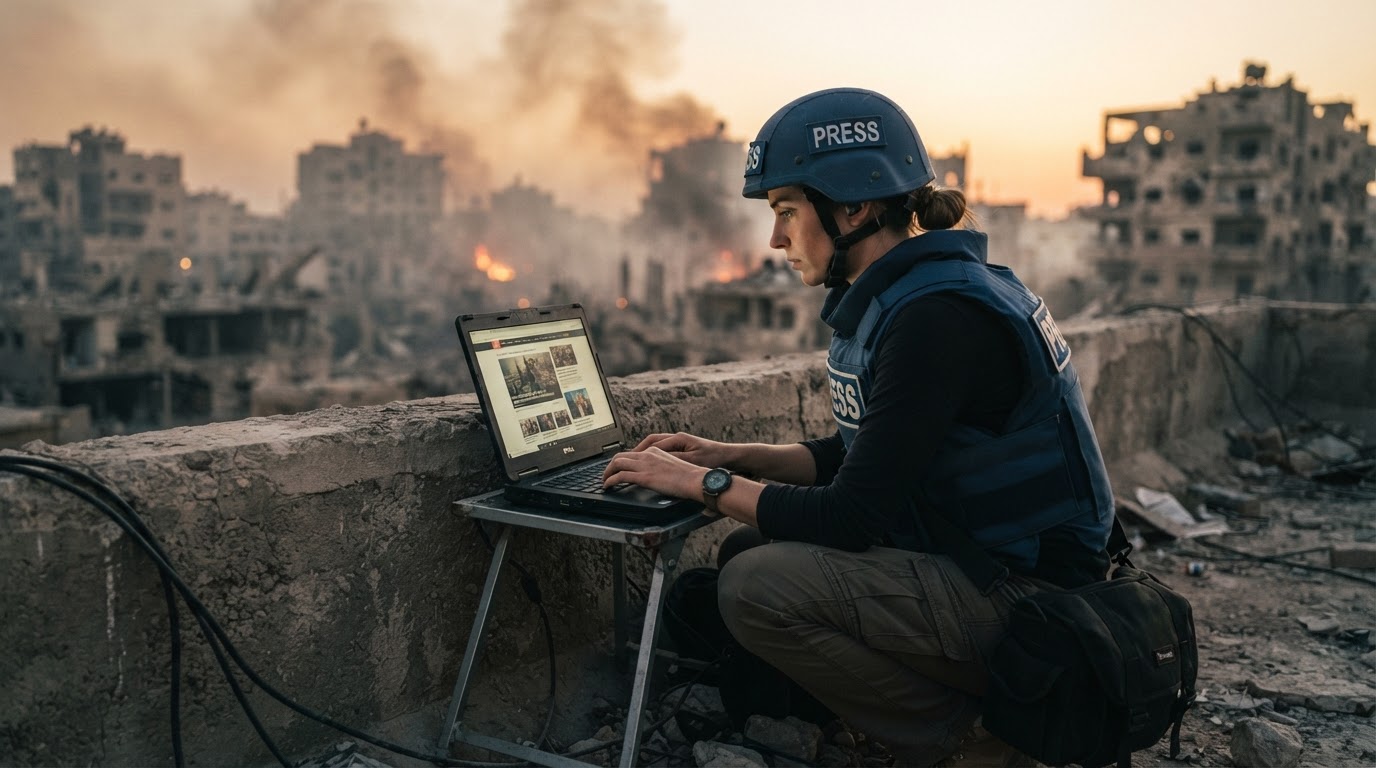
In a conflict or crisis zone, the web moves faster than the front line. Official statements are edited overnight, militia channels delete posts once they've done their damage, government sites go dark, and the page a reporter saw at 6am may not exist by the time the edit desk asks for it at noon. Journalists on the ground need to preserve what they saw — often on a satellite link, a throttled mobile network, or a borrowed connection they can't trust.
Scrollify wasn't built as a war-reporting tool, but its core design fits the job unusually well: you send a URL, and the capture happens on Scrollify's servers, not on your device. What comes back is a private, time-stamped scroll video of the full page — ready to hand to an editor, a fact-checker, or a lawyer.
Why server-side capture matters on a bad connection
Screen-recording a long page on a laptop means loading every image, video, and script over your own link — then uploading a large video file back out. In the field that can mean hours, a drained battery, or a failed upload at 90%. With Scrollify the reporter's device only sends a short URL. The page is loaded, scrolled, and rendered in the data center, and the finished export waits in the reporter's private library until there's a good enough connection to review or share it — or an editor back home can download it directly from a share link.
Five ways reporters in the field use Scrollify
1. Preserving posts and pages before they disappear
Statements from armed groups, local authorities, and propaganda outlets are frequently edited or deleted once they attract attention. A scroll capture records the whole page as it appeared — headline, body, comments, embedded media, and the order they appeared in — with the capture time stored on the job record. Paired with a traditional archive (Wayback Machine, archive.today, or a WARC tool), it gives the desk a watchable record rather than a pile of screenshots.
2. Documenting official claims as they change
Casualty figures, evacuation notices, and ceasefire terms are updated repeatedly. Capturing the same official page at intervals produces a sequence of videos that shows exactly what was claimed and when — useful for timelines, corrections, and accountability reporting.
3. Turning leaked or shared documents into reviewable video
Sources often pass along PDFs, spreadsheets, and slide decks. Documents → Scroll renders every page of a document into a scroll video that an editor can review on a phone without opening the original file — handy when the original shouldn't be forwarded around, or when the desk just needs a quick look before deciding whether to pull the full file.
4. Showing a live dashboard, map, or feed as it happened
Outage trackers, flight-tracking maps, and live liveblogs change second by second. Record a Tab captures a live browser tab as video, so a reporter can show exactly what a live map or feed displayed at a specific moment — not a reconstruction afterwards.
5. Publishing — safely — on social
Newsrooms increasingly publish their verification work: "here is the post, here is when it went up, here is what changed." A 16:9 scroll video drops into an article or a verification thread on X; the 9:16 export fits Reels, Shorts, and TikTok explainers without re-editing.
Keeping sources and reporters safer
- Private by default. Every export lands in the reporter's own library. Nothing is published unless they choose to share it.
- Revocable share links. Share a capture with an editor or a legal team through a link, then revoke it once the story is filed — no raw files sitting in chat apps or inboxes.
- No local trace of the browsing. Because the page is loaded on Scrollify's servers, the target site sees a data-center visit rather than the reporter's own device and network — a useful layer of separation when documenting hostile sites. (It is not a substitute for proper operational security, a VPN, or Tor where your threat model calls for them.)
- Hidden services. For investigations that touch
.onionsites, Dark Web Scroll captures onion pages over Tor, behind an acceptable-use acknowledgement and full audit logging.
What Scrollify is — and isn't — for evidence
A scroll video is a clear, watchable record of what a page showed. It is not a forensic image or a certified web-capture platform. For material that may end up in court, a human-rights investigation, or an international tribunal, treat Scrollify as one layer of a larger preservation workflow:
- Hash each downloaded export and log the hash with the URL and UTC capture time.
- Archive the same URL with an independent service at the same time.
- Follow your organisation's evidence-handling protocol — for example, the Berkeley Protocol on Digital Open Source Investigations.
Getting started
Create a free account, paste the URL of the page you need to preserve, and choose MP4 (for review) or GIF (for quick sharing). The capture runs on our servers while you get on with the job; the export will be waiting in your library when you're back on a usable connection. For newsroom teams that need higher volumes, paid plans add more monthly exports, multi-format downloads, and priority processing.
Try it yourself
Create your first scroll video in seconds
No software, no setup. Paste a URL and download.
Get started free