One URL, a Whole Launch Kit: Inside Scrollify’s AI Marketing Asset Engine

Launch week always arrives with the same to-do list: a hero screenshot for the press kit, mobile and tablet shots for the App Store page, a looping GIF for the newsletter, a square video for Instagram, a 1200×627 clip for LinkedIn, and — somewhere in between — copy for every one of those posts plus a Product Hunt listing. Each item is small. Together, they eat a day. Scrollify’s Marketing Asset Engine turns that day into one URL and a coffee break.
What an Asset Pack is
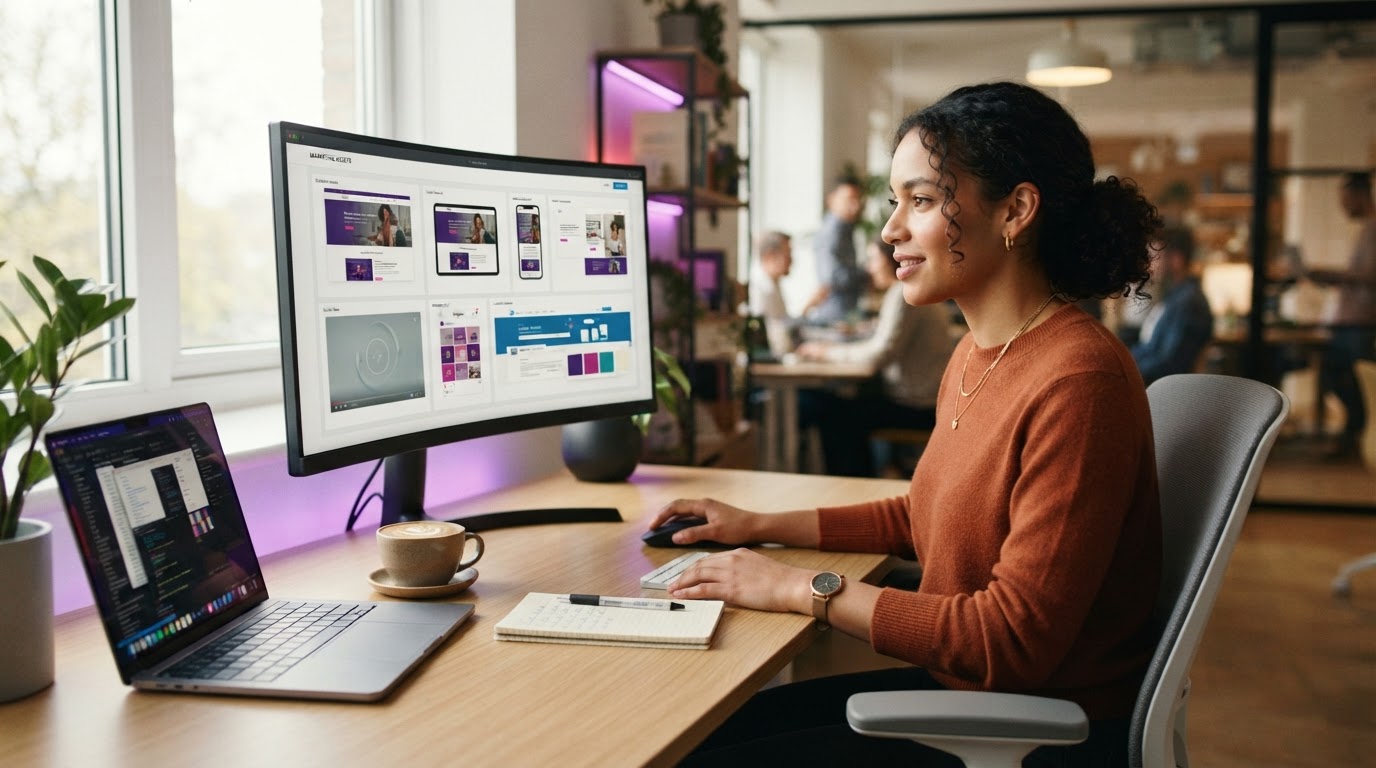
An Asset Pack is a bundle of captures Scrollify runs against one URL in a single job. You choose the pack, paste the link, and the engine renders every asset at the right viewport and format — then drops them together in your library, ready to download individually or as one ZIP.
The packs
- Screenshot Pack — desktop (1440×900), tablet (768×1024) and mobile (390×844) WebP screenshots in one click. The press-kit and app-listing basics.
- GIF Pack — a standard 1280×720 and a compact 800×600 looping GIF that play anywhere without a video player: email, Notion, GitHub READMEs, Slack.
- Video Pack — a desktop scroll video exported as MP4, WebM and MOV, so you have the right file for ads, sales decks and editors.
- Website Preview Pack — the classic trio from one URL: a hero WebP, an embeddable MP4 and a looping GIF.
- Social Media Pack — platform-native scroll videos for LinkedIn (1200×627), X (1280×720), Facebook (1200×627) and Instagram Square (1080×1080).
- Brand Kit Pack — a full-resolution brand screenshot plus platform-sized stills, with your colours and fonts extracted automatically.
Screenshot and GIF packs are available on the Free plan. Video and Website Preview packs unlock on Starter, and the Social Media and Brand Kit packs — plus AI analysis — come with Pro.
Where the “AI” comes in
Capturing assets is half the job. The other half is knowing what to say with them. With AI analysis switched on, Scrollify reads the page you captured — its title, description, headline, and the rendered screenshot itself — and returns a marketing brief alongside your files:
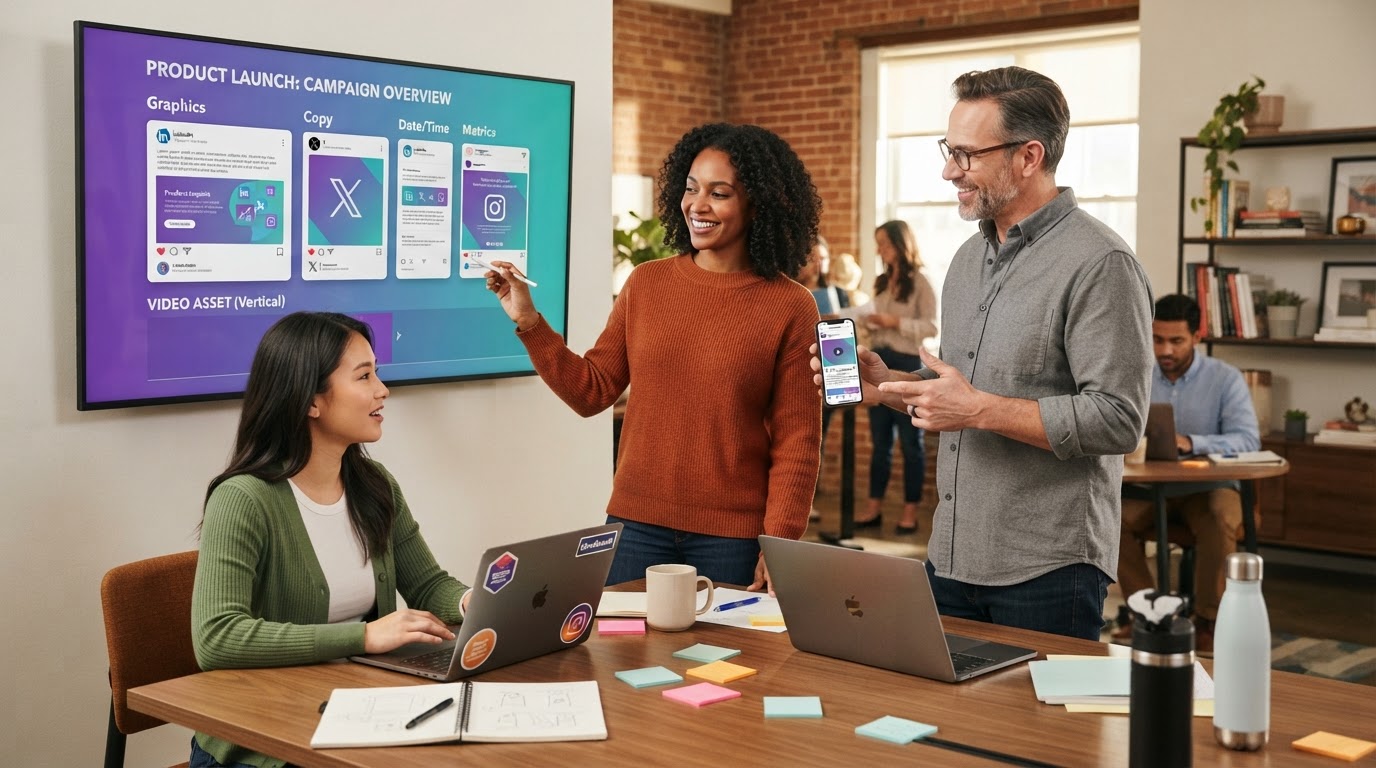
- Ready-to-post copy — a professional LinkedIn post with hashtags, a punchy X post under 270 characters, and a casual Instagram caption.
- A Product Hunt kit — a tagline under 60 characters, a feature-focused description, and a first-person maker’s first comment you can edit and post.
- Brand extraction — dominant hex colours, a best guess at heading and body fonts, and the design style, so your social templates match your site.
- Social template ideas — headline and subtext suggestions per platform, with which brand colour to use for the accent.
- A design read — which sections are on the page (hero, feature grid, social proof, pricing), a visual-quality rating with the reason, and the highlights that will look best in motion.
- Scroll direction notes — the best opening and closing frames, which sections deserve a slower pass and which to move through quickly.
It isn’t a replacement for your voice — it’s a first draft written by something that has actually looked at your page, delivered in the same place as the assets it describes.
Five ways teams use it
1. Product Hunt and launch day
Run the Social Media Pack and Website Preview Pack on your landing page the night before. You wake up with the gallery GIF, the platform videos, and a drafted tagline, description and maker comment — the three things founders always leave until 2 a.m.
2. Agency client handoffs
Shipping a new site for a client? A Screenshot Pack plus a Video Pack gives them a complete “here’s your new site” kit for their own socials and sales team — and gives you portfolio assets in the same run. See how agencies use Scrollify to win more clients.
3. Press kits that stay current
Press kits rot. Every redesign leaves a folder of outdated screenshots. Re-run the Screenshot Pack after each release and your desktop, tablet and mobile shots are always the real, current product.
4. Feature announcements
Point the engine at a changelog entry or new feature page. The GIF Pack covers email and docs; the Social Media Pack covers every feed; the AI copy gives you a starting draft for each channel.
5. Competitive and design research
Capture a competitor’s pricing or landing page and read the AI design notes: which sections they lead with, their colour system, their calls to action. It’s a fast, structured way to benchmark — and to keep a dated visual record of how their positioning changes.
Why one engine beats five tools
The usual stack is a screenshot extension, a screen recorder, a GIF converter, a resizing tool and an AI chat window — each producing files in different places at different sizes. The Asset Engine renders everything from the same live capture of the same page, so every asset matches, every size is correct for its platform, and nothing needs re-cropping. When the page changes, you run the pack again.
Try it on your own site
Create a free account and run a Screenshot or GIF Pack on your homepage — it takes about a minute. When you’re ready for platform videos, the full social set and AI-written launch copy, the Pro plan unlocks every pack and the AI analysis. Explore the packs on the Asset Packs section of the homepage, or start with a single website-to-GIF capture.
Try it yourself
Create your first scroll video in seconds
No software, no setup. Paste a URL and download.
Get started free