How Interior Designers Use Scrollify to Showcase Their Work
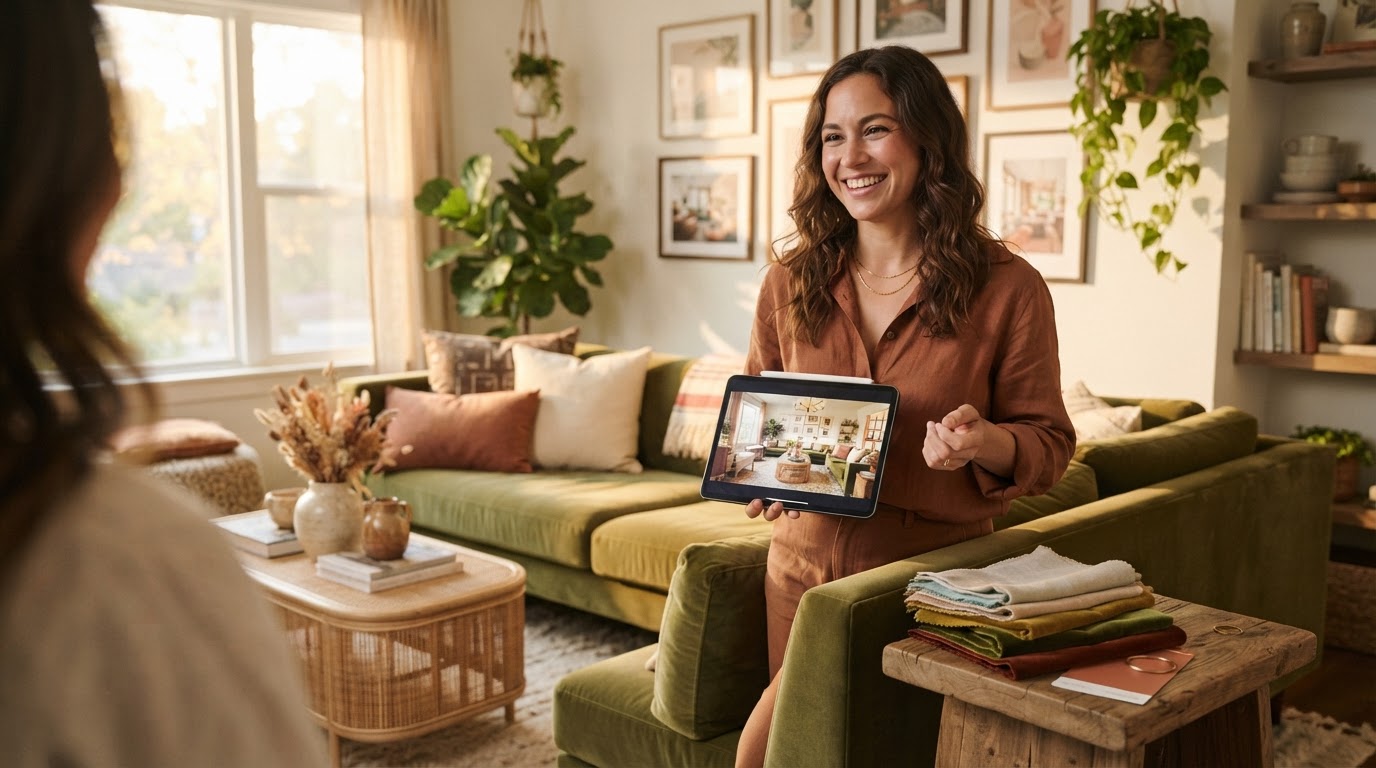
Your portfolio page tells the whole story of a project — the before, the after, every angle of the finished room — but a client only ever sees it one static photo at a time, and a single Instagram post can't show more than a hero shot. Scrollify turns that same project page into a scroll video: one continuous, watchable clip that walks through the whole gallery the way you'd actually want a client to see it.
No filming, no editing software — paste the URL of your project page or portfolio site and Scrollify captures it as a real scrolling video.
Why a still photo undersells finished work
A beautifully designed room loses most of its impact as a single cropped thumbnail. The layered textiles, the way the light hits the room, the full before-and-after arc of a renovation — all of that reads far better in motion than in a static grid. A scroll video captures the page exactly the way a visitor would scroll it themselves, just smoothed out and ready to share.
Four ways designers are using it
1. Client proposals
Instead of sending a portfolio link and hoping a prospective client clicks through, attach a short scroll video of a comparable past project directly in the proposal email. They see the work immediately, without leaving their inbox.
2. Instagram Reels and Pinterest
A vertical 9:16 export of a finished room's project page makes a far better Reel than a single square crop. Scrollify's automatic 9:16 export can capture a standard and a vertical version in the same submission, so you get both without doing the work twice.
3. Before/after reveals
If your project page has a before-and-after gallery, a scroll video turns it into one continuous, satisfying reveal — the kind of clip that performs well as a stitched or duetted post.
4. Mood boards and concept decks
Not every deliverable lives on a website. A concept deck exported as a PDF or PPTX, or a mood board built in Canva and exported as an image, can go through Documents → Scroll or Screenshot → Scroll the same way — no live URL required.
Getting started
Paste your project page or portfolio URL into Scrollify, pick MP4 for social or GIF for email, and download the result in under a minute. See the interior design portfolio videos page for the full walkthrough, or try it directly from the homepage.
Try it yourself
Create your first scroll video in seconds
No software, no setup. Paste a URL and download.
Get started free